glance
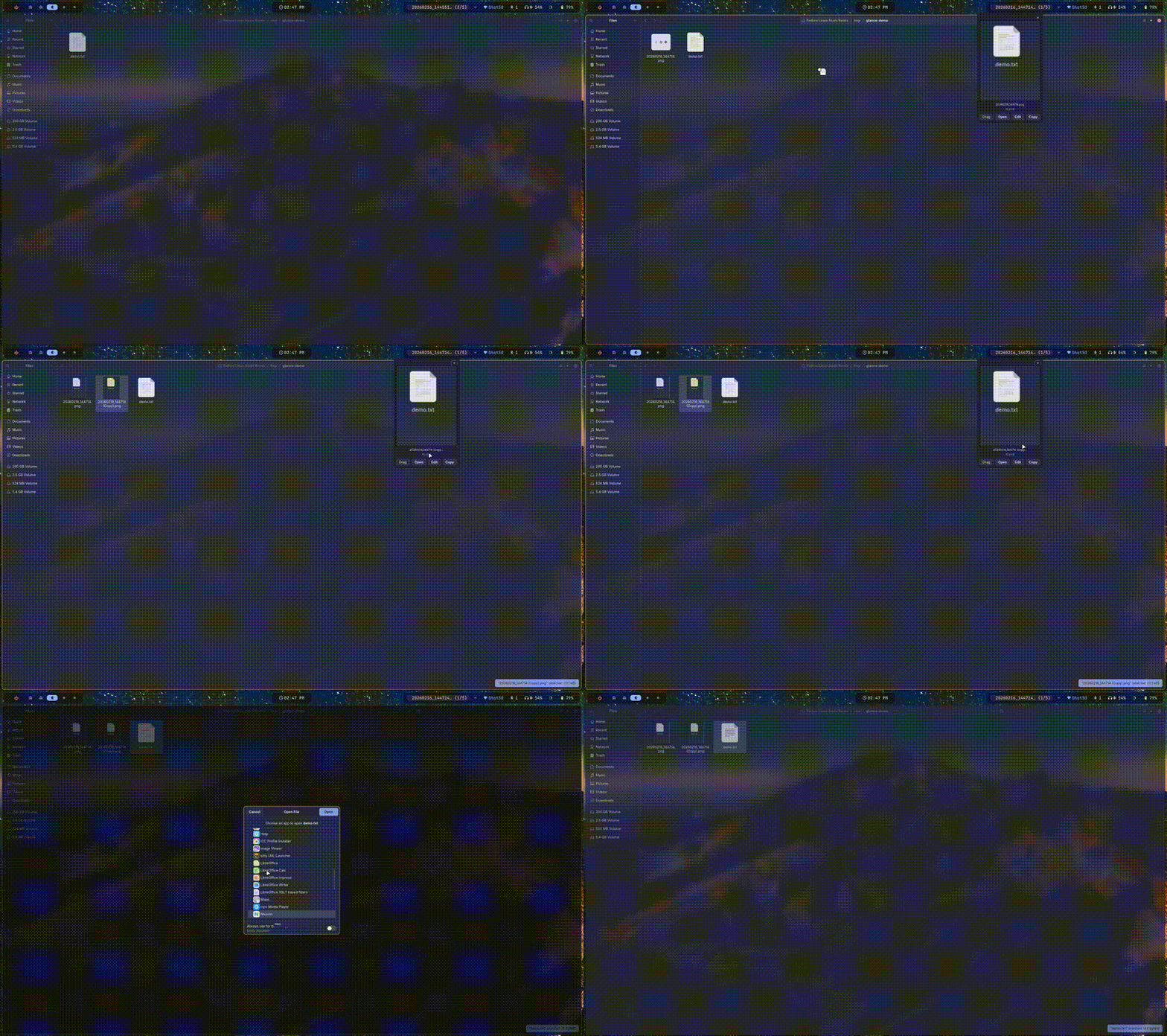
A file clipboard for Wayland. Watches directories for new files and pops up a widget in Waybar. Click to open a dropdown with actions: drag and drop, open, edit, or copy the path. Written in Rust.
Install
# from crates.io
cargo install wayglance

# from source
git clone https://github.com/areofyl/glance
cd glance
cargo build --release
cp target/release/glance ~/.local/bin/

# then run the setup wizard
glance init
The setup wizard creates the config, adds the Waybar module, appends CSS, and sets up autostart. Restart Waybar and you're done.
Commands
glance init              # setup everything
glance watch             # run the file watcher
glance status            # JSON for waybar
glance menu              # dropdown with actions
glance copy              # copy file path
glance drag              # drag and drop overlay
glance scroll up|down    # navigate file history
Config
Optional config at ~/.config/glance/config.toml. Set which directories to watch, auto-dismiss timeout, which buttons show up in the dropdown, drag command (builtin GTK4 or something like ripdrag for XWayland browsers), and the menu appearance.